Bank SMS in one tap
Payment texts from your bank fill in the amount, shop and account. Tap Add expense and it's saved.
Centme is the calm expense tracker and budget planner. Bank payments arrive by SMS and land in one tap, receipts scan themselves, and your money syncs across every device you own.
Everything in one calm app
Payment texts from your bank fill in the amount, shop and account. Tap Add expense and it's saved.
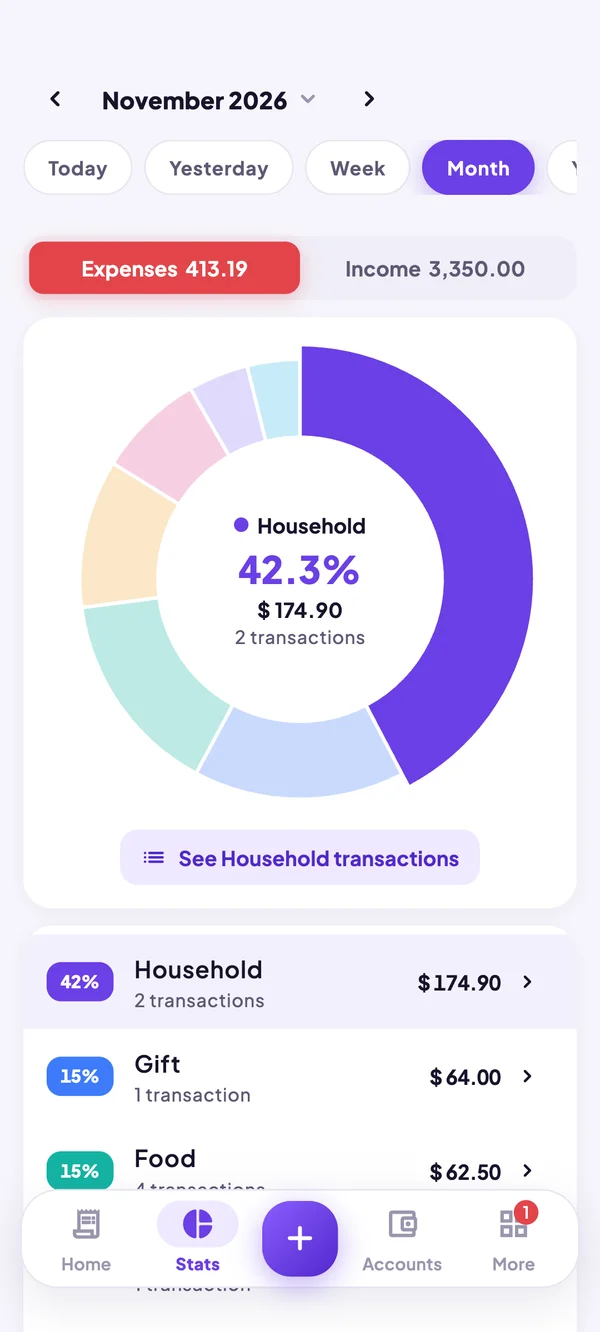
Tap any slice to see its share and every transaction behind it, with the year at a glance.
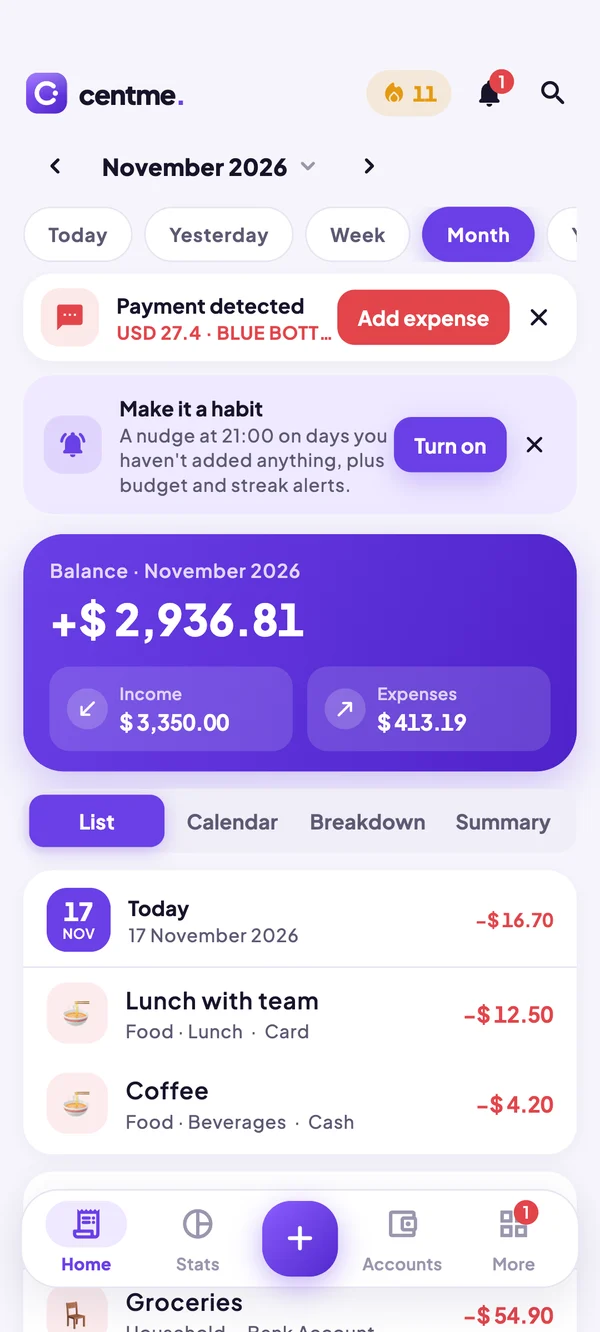
A monthly limit overall or per category, with a gentle alert before you overspend.
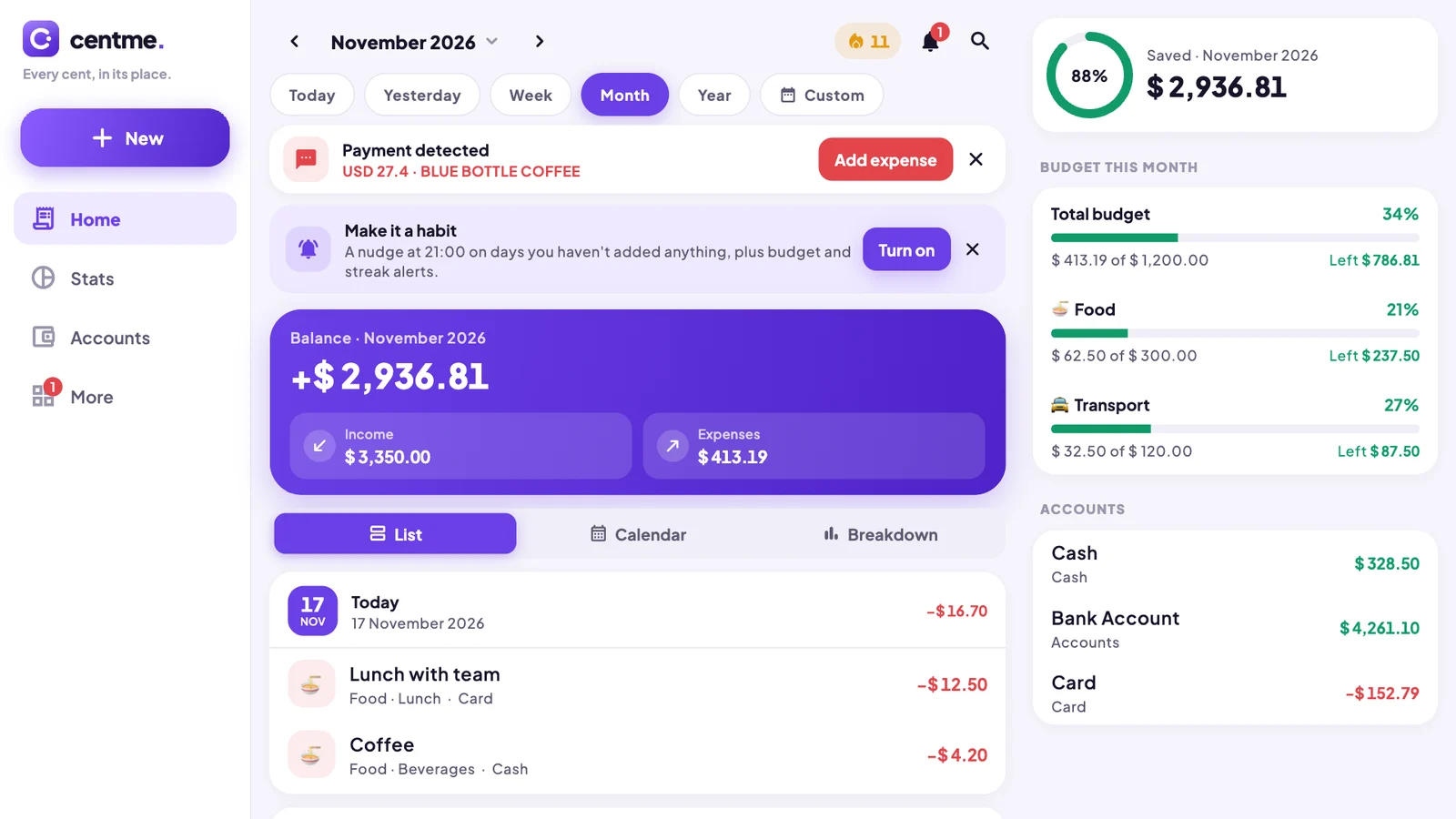
Cash, bank accounts and cards, grouped your way. Transfers never count twice.
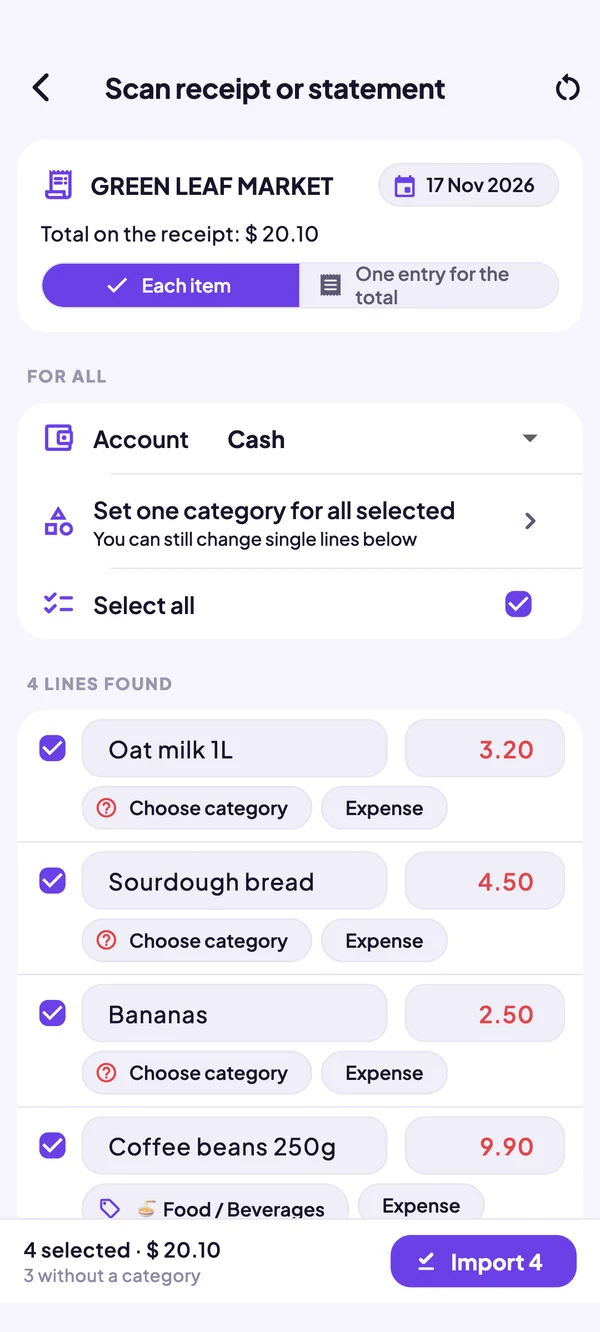
Snap a receipt or statement and Centme reads every line on your phone.
Ask Claude, ChatGPT or any MCP app about your spending. Read-only by default.
Your own Google Drive keeps phone, tablet and computer in step, with dated backups.
Bring a .mmbak backup, Excel, CSV or TSV. Nothing to retype.
Bank SMS nudges
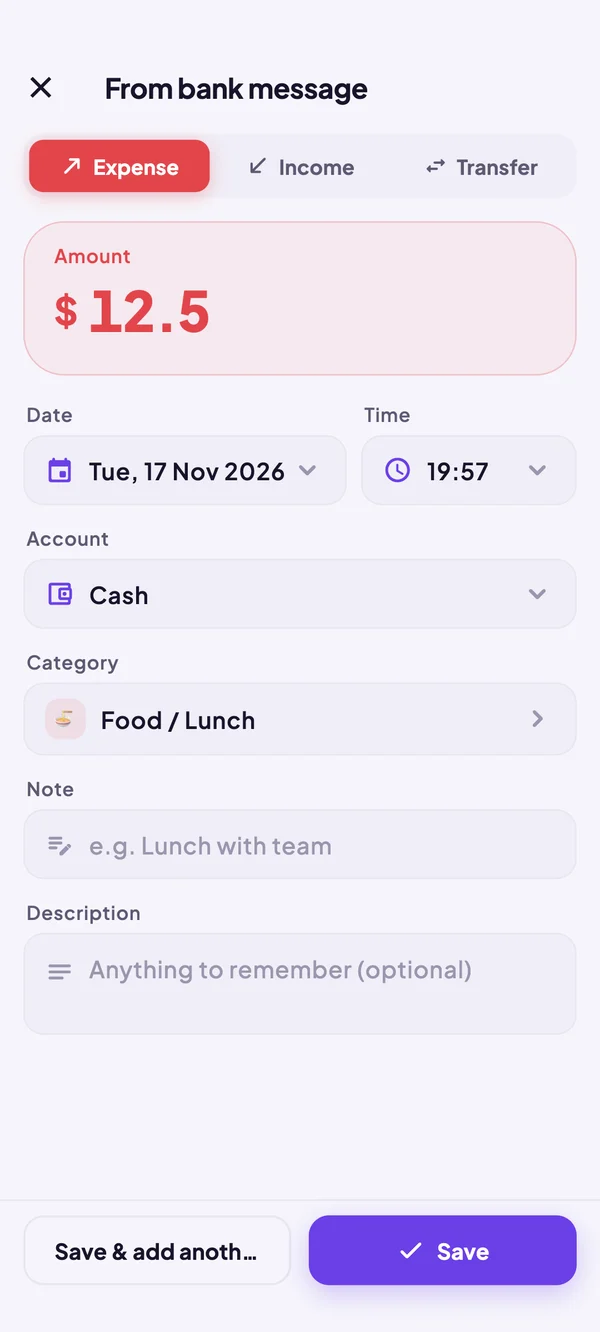
When your bank texts you about a payment, Centme recognises it and offers to add it. The amount, the shop, the account and a best-guess category are already filled in.
AI assistants
Centme can open a private connection for the AI assistants you already use, through the Model Context Protocol. Ask questions in plain words and get answers from your real numbers.
Sync across devices
Your phone, tablet and computer stay up to date through your own Google Drive. Centme keeps a dated backup every day for 30 days, so you can always go back.
Switching apps?
Move your past months into Centme from a backup, a spreadsheet or a paper receipt. Accounts and categories are matched for you.
Private by design
No account, no email, no password. Open Centme and start.
Your records live on your phone. Backups go only to places you choose.
Anonymous crash reports help us fix problems, and one switch turns them off.
Phone and tablet layouts are built in. iPhone, iPad, Mac, Windows and Linux are on the way.
Centme is a free, private expense tracker and budget planner for Android, made by Witsberry Ltd in London.
Questions
Yes. Every feature on this page is free to use, with no account needed.
On your device, in Centme's own database. If you turn on cloud sync, a copy goes to your own Google Drive, where Centme can only see the files it created.
Centme reads messages on your phone only, to spot payments from your bank. Messages that aren't payments are ignored, and nothing is sent anywhere. It's optional: Centme works fine without it.
Yes. Import a .mmbak backup, or an Excel, CSV or TSV file. Centme matches accounts and categories for you.
Turn on AI assistants in More. Centme starts a private connection using the Model Context Protocol, protected by an access key. It's read-only unless you allow changes, and you can switch it off at any time.
Yes. Everything works without internet. Sync and AI assistants simply wait until you're back online.
Made by
Signed software, built to the WB-12 standard.
Witsberry builds the software businesses run on, checks it against twelve production checks, then runs it or hands it all over. Centme is built the same way.
Visit witsberry.com